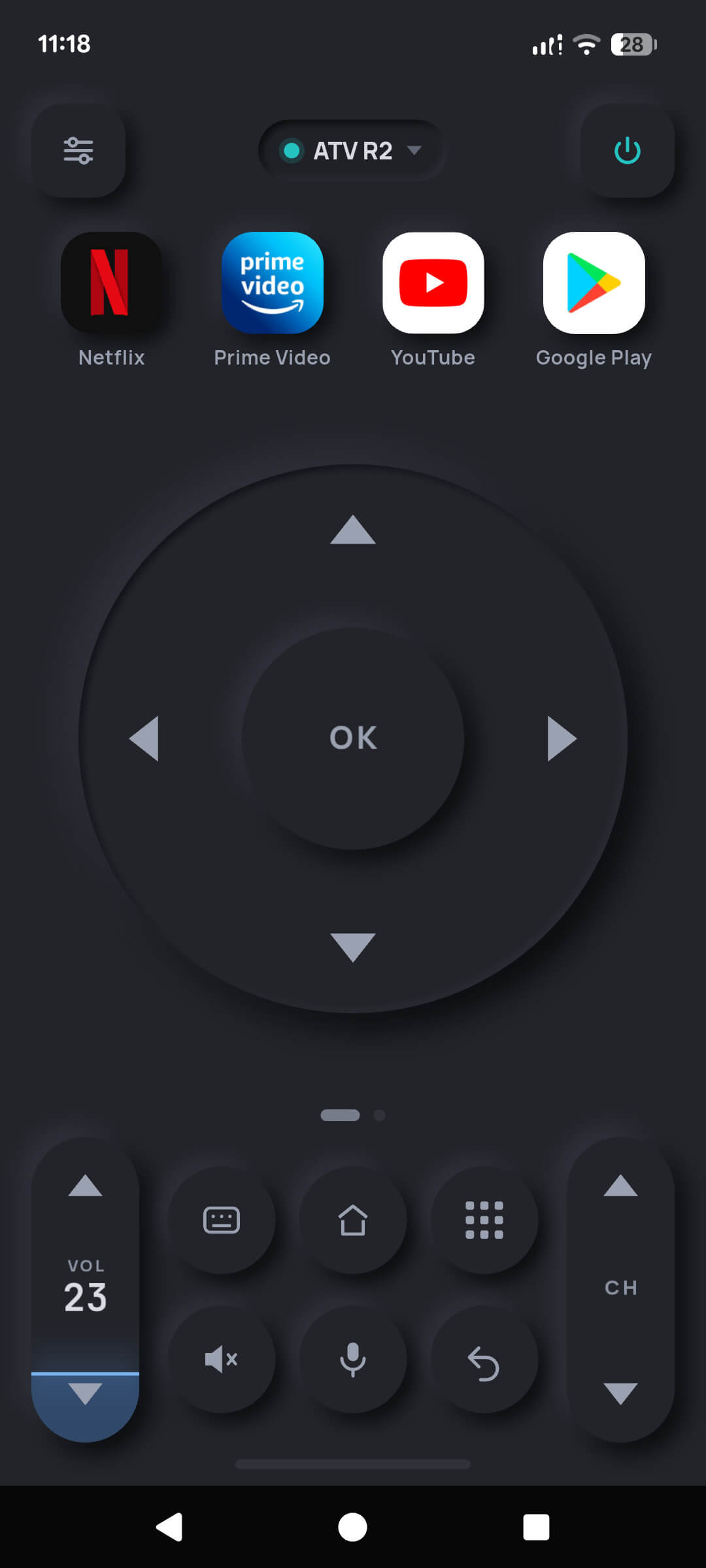
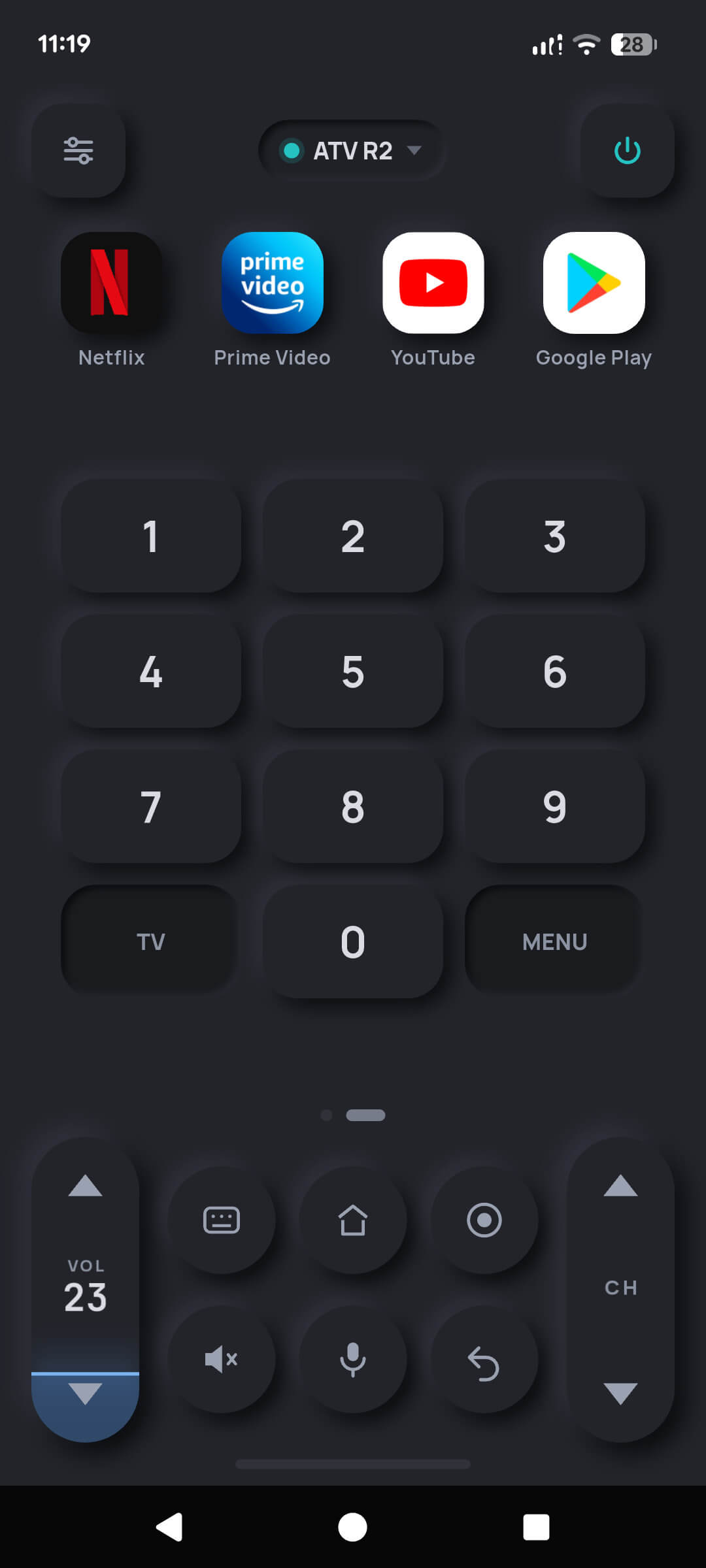
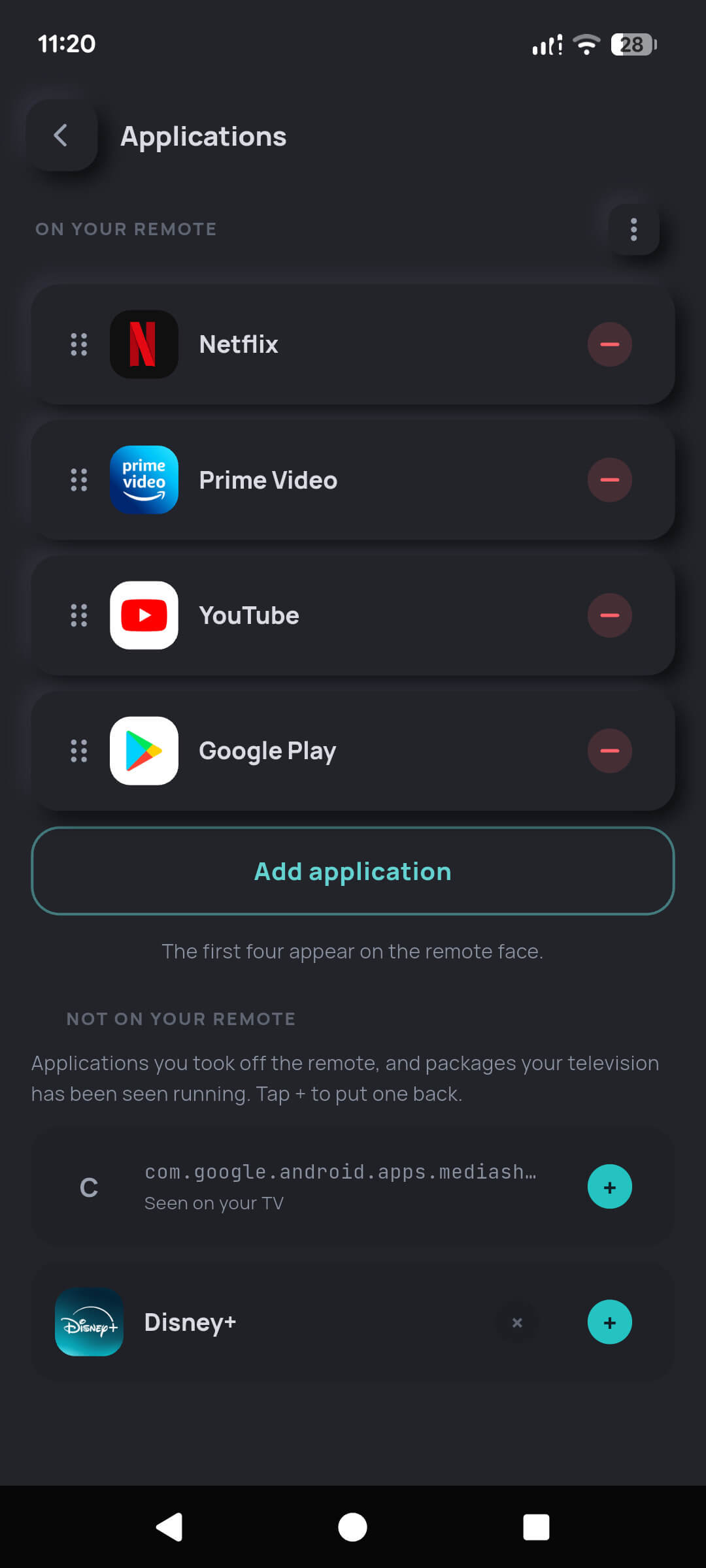
6 · Widgets and shortcuts
Press a key without opening the app
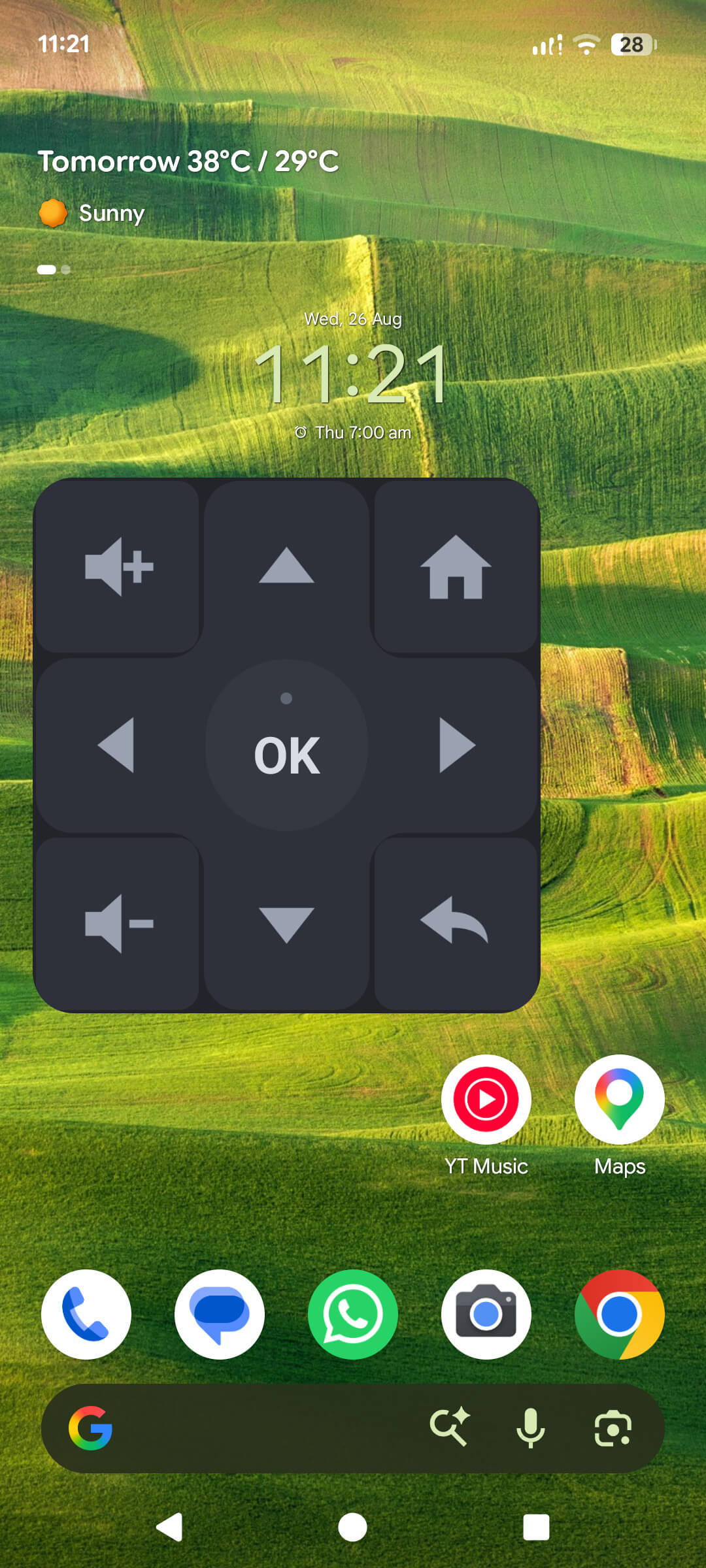
On Android the home-screen widget is a real remote — it opens a connection,
sends the key, and hangs up, without ever starting the app. A single dot above
the OK key reports whether your last press reached the television.
- Android home-screen widget — a 3×3 face with a D-pad, OK, volume up and down, home and back, resizable to whatever cell your launcher gives it (Pro)
- Quick Settings tile — reach the remote from the notification shade, without finding the icon (free)
- iPhone widget — shows the television you are driving and opens the remote in one tap (free)
- Both platforms get a guided setup screen inside the app explaining exactly how to place the widget on that platform
Why the iPhone widget does not have working keys. iOS does not
reliably allow a widget's network calls while the host app is closed, and Local
Network permission is per-app and unpredictable on recent iOS versions. A remote
button that only works when the app is already open is not a feature, so we ship
the widget as a door rather than pretending otherwise.