A D-pad you can hit without looking
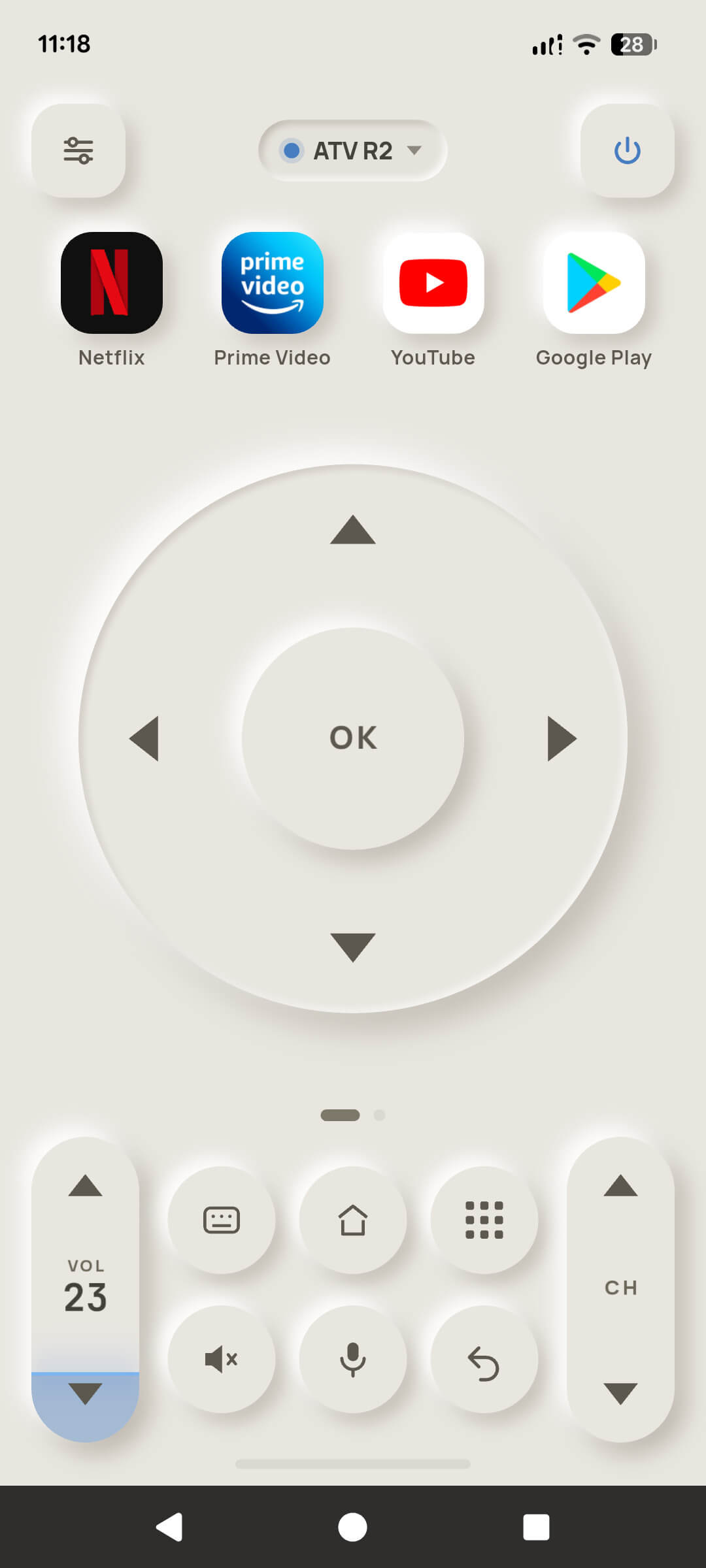
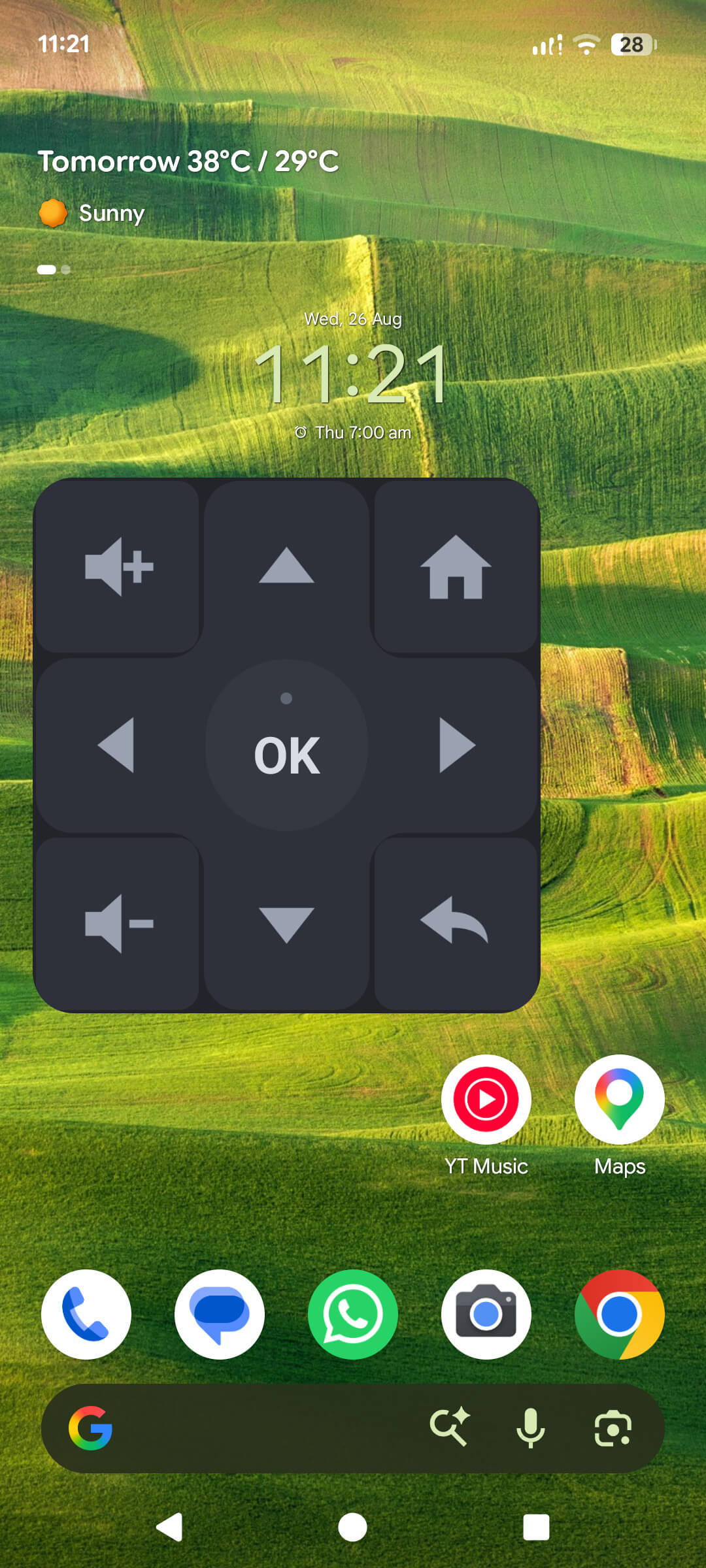
A full-size directional ring with a centre OK, sized so your thumb finds it in the dark. Haptic feedback on every press, and hold-to-repeat when you're scrubbing through a long list.
TV Remote turns your phone into a proper remote for Android TV and Google TV — a real D-pad, a volume rocker, a keyboard you can actually type on, voice search, and your own media on the big screen. It talks to the television straight over your Wi-Fi. No account, no sign-in, nothing uploaded.
 Coming soon to iPhone
TV Remote is a free remote-control app for Android and iPhone that operates Android TV and Google TV devices over your home Wi-Fi using the official Android TV Remote v2 protocol — the same one the television's own remote speaks.
Anyone whose Android TV or Google TV remote is lost, broken, out of batteries, or simply doesn't do enough.
The stock D-pad remote — and then adds a keyboard, voice search, app shortcuts and casting a plastic remote cannot offer.
Free, with ads. One optional $1.99 payment removes them and unlocks the extras. Nothing renews, ever.
Nowhere. Televisions, credentials, layouts and key presses stay on the phone. There is no account and no server.
The press path — find the television, pair it, press a key — is the whole product. It is free forever, and it is the part that had to be rock solid before anything else was built.
A full-size directional ring with a centre OK, sized so your thumb finds it in the dark. Haptic feedback on every press, and hold-to-repeat when you're scrubbing through a long list.
A tall volume rocker with the television's real volume number printed on it, mute, channel up/down, and a power key. Your phone's own volume buttons can drive the television too.
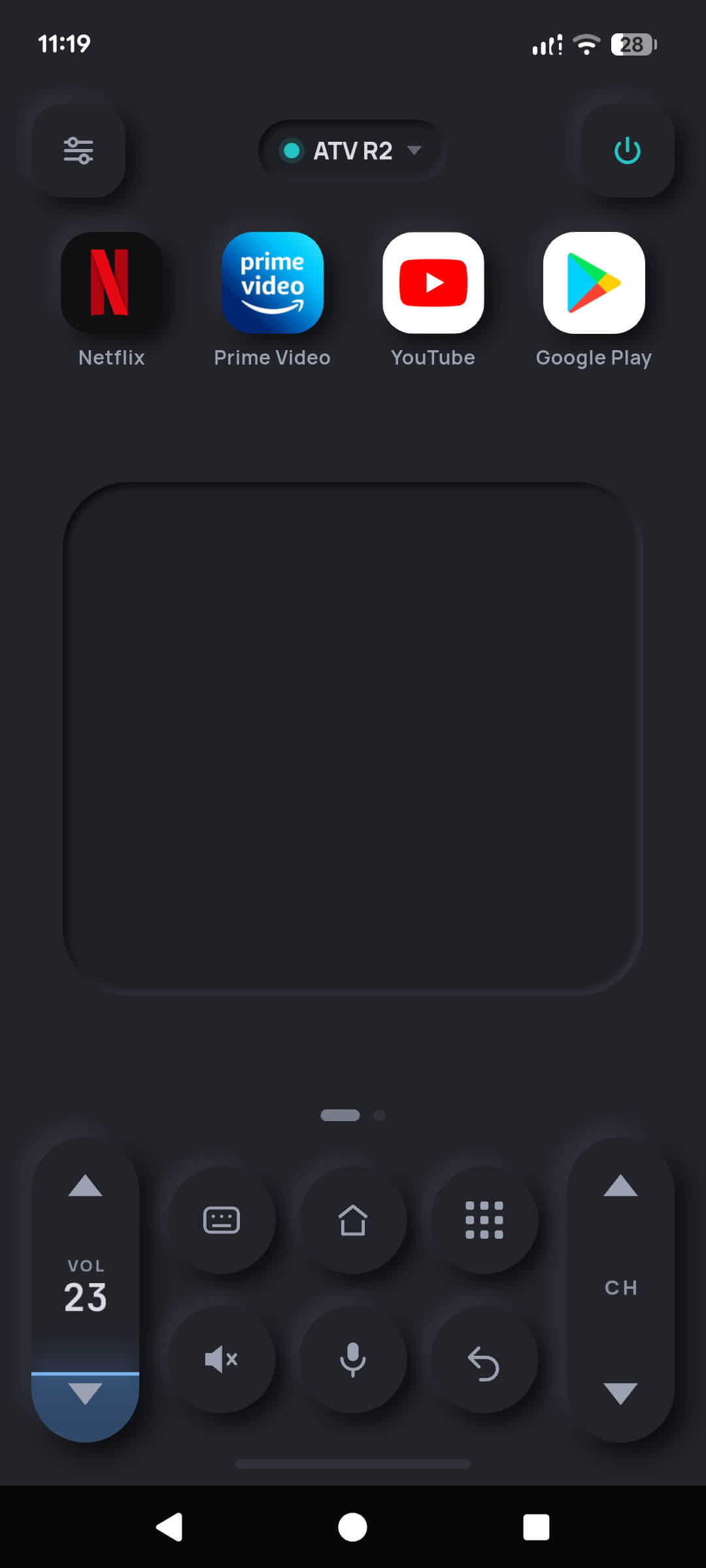
Search boxes, Wi-Fi passwords, logins — type them on your phone's keyboard and they land in the television's text field. No more hunting letters with a D-pad.
Hold the microphone and say what you want to watch. The words are turned into text on your own device, then typed into the television's search box. The recording never leaves the phone.
Netflix, Prime Video, YouTube, Disney+ or whatever you actually watch, pinned to the top of the remote and reorderable. The app also learns which packages your television runs and offers them.
Cast pictures, a slideshow, a track or a film straight from your phone to the television over your own Wi-Fi. The file is served from the phone. Nothing is uploaded to anyone.
An Android widget with live keys — press pause without ever opening the app — plus a Quick Settings tile in the notification shade, and an iPhone widget that opens the remote in one tap.
Fall asleep to a film and have the television turn itself off. Send a wake packet to a set that is already powered down, where the hardware supports it.
Pairing credentials sit in the Keychain or Android's encrypted store. Televisions, layouts and key presses never go anywhere. No account exists to create.
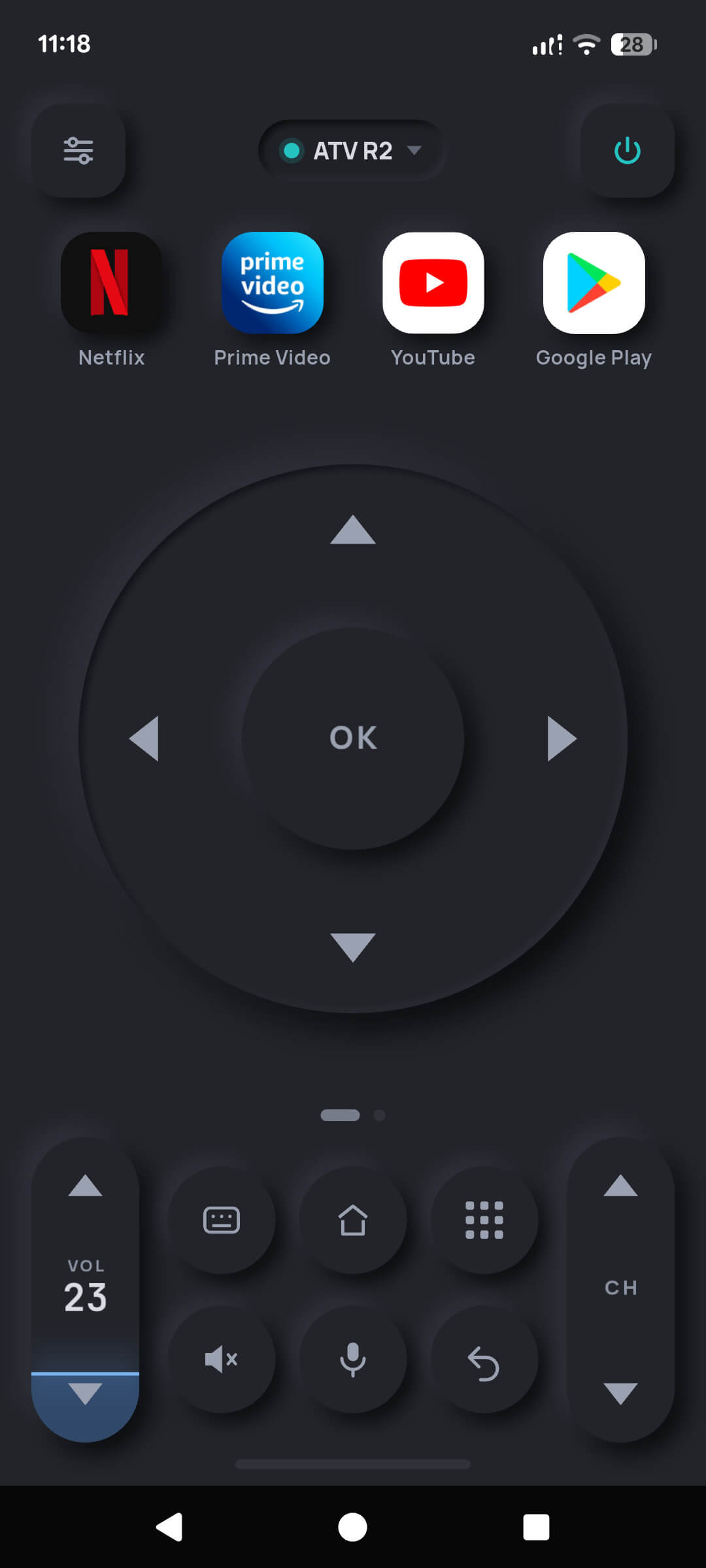
A tactile, skeuomorphic face in dark or light — real bevels, real shadows, and buttons that look like they can be pressed.
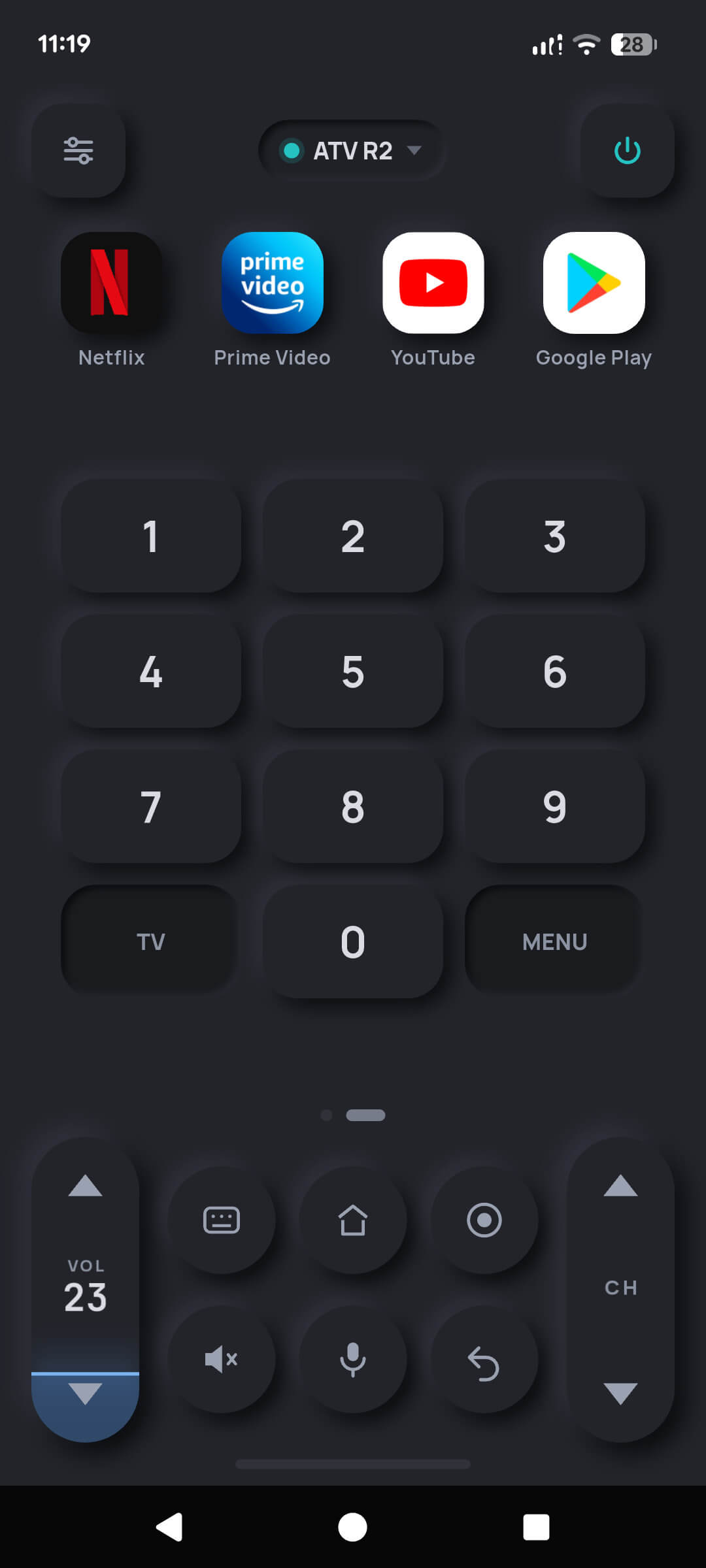
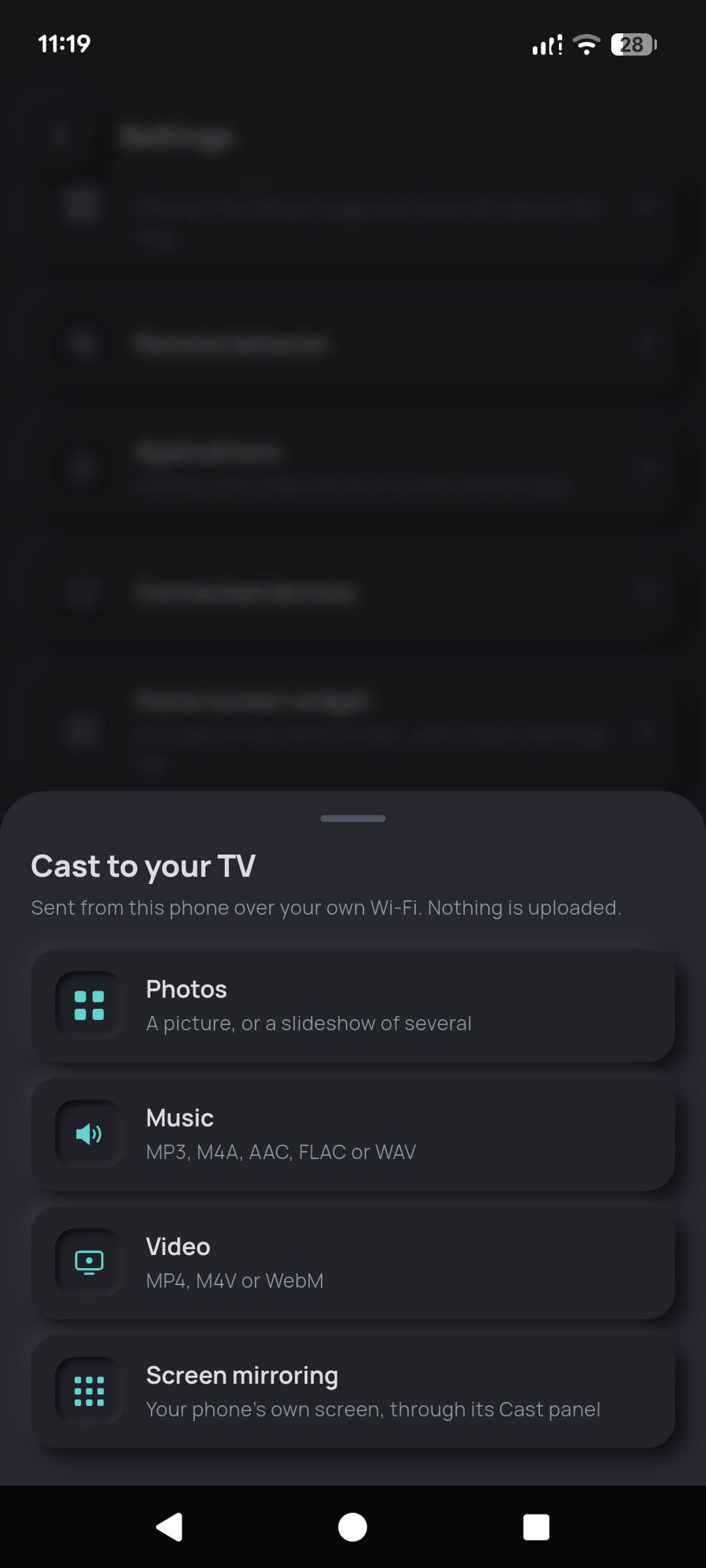
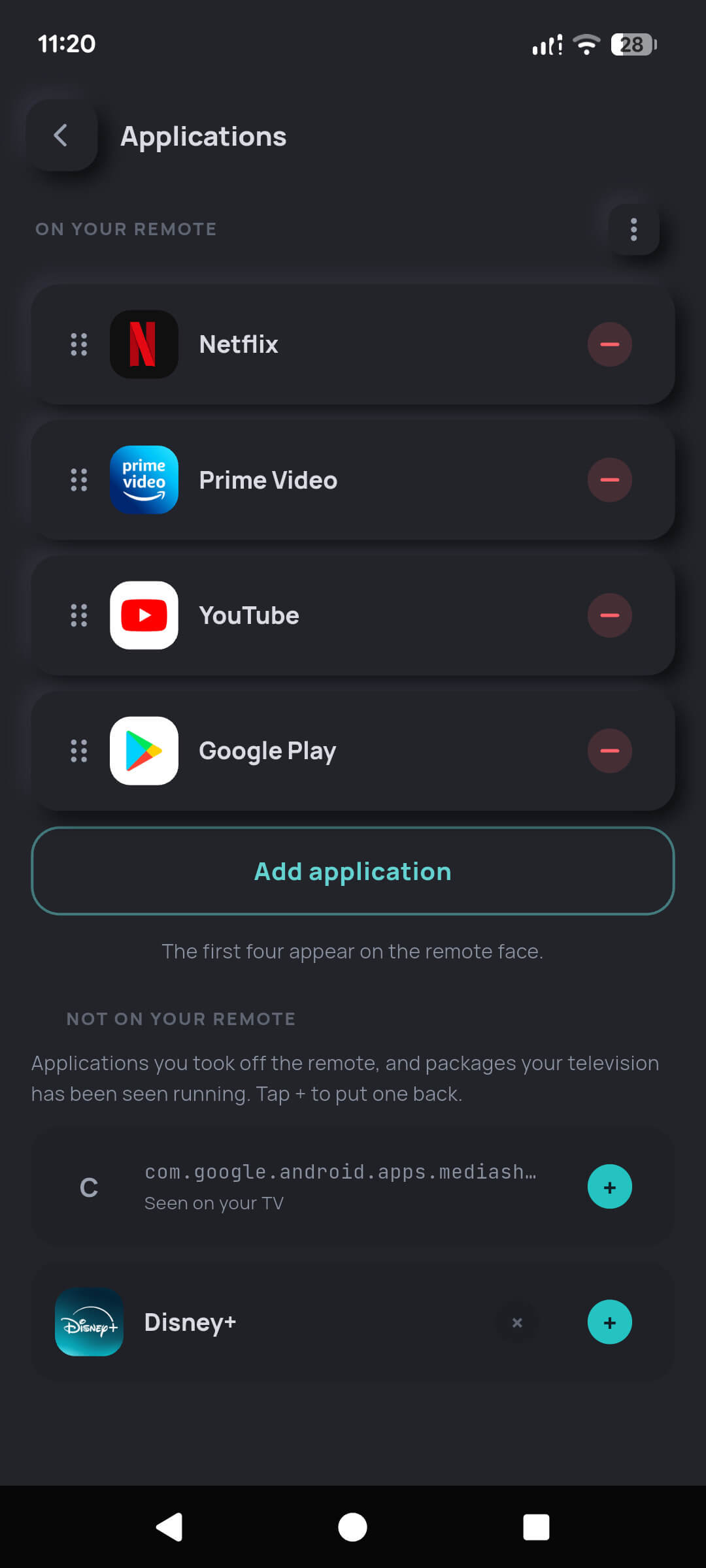
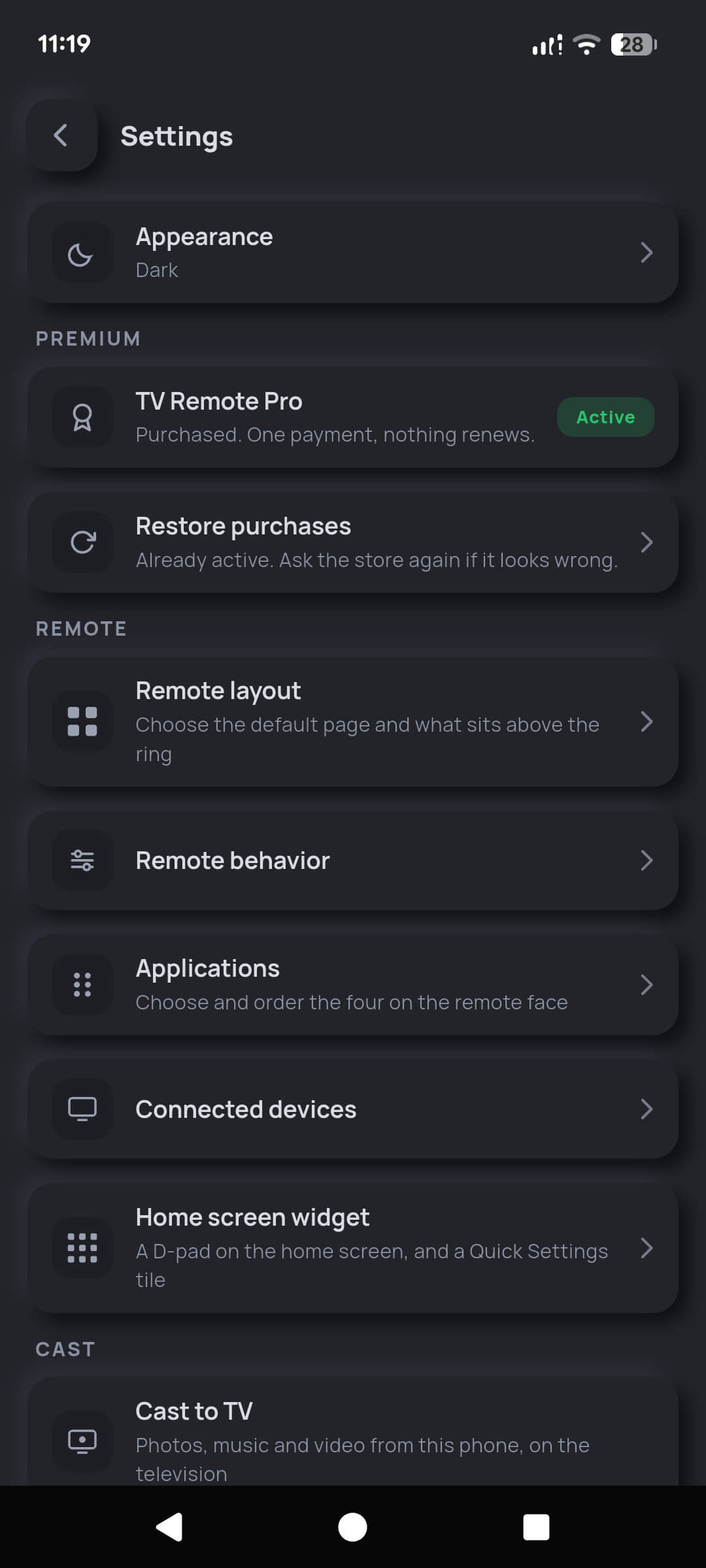
Three steps, once per television. After that the app reconnects on its own.
Put the phone on the same network as the television. TV Remote then searches the network and lists every Android TV and Google TV device it finds, by name.
The television puts a six-character code on screen. Type it into the phone. That code is what lets the television trust this phone, and only this phone.
You are on the remote. The pairing is remembered, so the next time you open the app it simply connects. Add as many televisions as you like.
Everything in the press path is identical. Two things genuinely are not, because of what iOS allows, and it is better to read that here than to find out after installing.
| Feature | Android | iPhone & iPad |
|---|---|---|
| Automatic discovery on Wi-Fi | Yes | Yes — via Apple's Bonjour |
| Add a television by IP address | Yes | Yes |
| Pairing, D-pad, volume, power, keypad, touchpad | Yes | Yes |
| Keyboard typing and voice search | Yes | Yes |
| App shortcuts, layout and behaviour settings | Yes | Yes |
| Cast photos, music and video | Yes | Yes |
| Home-screen widget with working keys | Yes — Pro | Opens the app — iOS blocks widget network calls |
| Quick Settings tile | Yes — free | No — iOS has no equivalent |
| Screen mirroring to the television | Yes — via the system Cast panel | No — iOS cannot mirror to an Android TV |
| Sleep timer and Wake TV | Yes — Pro | Sleep timer — Wake TV is limited on iOS |
TV Remote speaks the Android TV Remote v2 protocol. If the device runs Android TV or Google TV, it works. If it runs something else, it does not — and pretending otherwise would only waste your time.
These platforms use entirely different, closed protocols. TV Remote does not claim to support them.
Android 7.0 (API 24) or newer · iOS 15.0 / iPadOS 15.0 or newer.
Phone and television on the same Wi-Fi network, with device-to-device traffic allowed. Mobile data cannot reach your television.
TV Remote works over Wi-Fi, not infrared, so it does not need a phone with an IR transmitter — and you do not need to point it at anything.
There is no account to create, no server to sign into, and no analytics backend — and there is not going to be one. Your televisions, their pairing credentials, your layout and every button you press stay on your phone.
The free tier shows advertisements served by Google, and that is the only thing in the app that reaches the internet at all. TV Remote Pro removes the ads, and that data flow goes with them. We say exactly which data each of those involves in the privacy policy.
The rule we hold ourselves to: free has to be a complete, credible remote. Nothing in the press path is ever gated — not pairing, not the D-pad, not volume, not typing, not voice.
$0
Not a trial. Not time-limited.
Supported by advertisements, placed under rules we published: never on a key press, never while pairing.
$1.99 once
Not a subscription. Nothing renews. Restorable on any device with the same store account.
$1.99 is the United States price. Your store shows the equivalent in your own currency, including local taxes where they apply. Purchases are processed by Google Play or the Apple App Store, and refunds are handled under their policies — see the terms.
Android TV and Google TV devices — televisions, set-top boxes and streaming sticks that run them. That covers Sony, Philips, TCL, Hisense, Sharp and Xiaomi Android TV sets, Chromecast with Google TV, NVIDIA SHIELD TV, Mi Box and similar hardware.
It does not work with Roku, Samsung Tizen, LG webOS, Amazon Fire TV or Apple TV. Those use different, closed protocols.
No. The remote talks to your television directly over your home Wi-Fi and never through the internet, so both devices simply have to be on the same network. It does not work over mobile data, because your television is not reachable from there.
On the free tier the app does contact Google's ad servers to fetch advertisements. That is the only thing in the app that reaches the internet at all, and Pro removes it.
Put both devices on the same Wi-Fi and open TV Remote. It lists the televisions it finds — tap yours. The television displays a six-character code on screen; type that into the phone and you are paired. It is remembered, so you only do it once per television.
Both devices have to be on the same Wi-Fi network, and that network has to allow devices to see each other. Guest networks and some routers block that deliberately — the setting is usually called AP isolation or client isolation.
If you cannot change it, use Enter IP address: read the address off your television under Settings › Network and type it in. That path is always available and never gated.
The television shows the code full-screen, so anything already on screen can hide it — a screensaver, a game, or an app in the foreground. Press Home on the television, then start pairing again.
Some televisions drop stored pairings when they update, and a few only keep a small number at once — pairing another phone can push this one out. Pairing again takes a few seconds and nothing else is lost.
Yes. Discovery, pairing, the whole remote face, the keyboard, voice search, app shortcuts, photo casting and audio casting are free forever and are not time-limited. The free tier shows advertisements.
TV Remote Pro is a single $1.99 payment that removes the ads and unlocks video casting, the Android home-screen widget, unlimited saved televisions, automations and Android screen mirroring. It is a one-time purchase — not a subscription — and nothing renews.
The remote collects nothing. Your televisions, their pairing credentials, your layout and every button you press stay on the phone. There is no account, no server and no analytics backend.
On the free tier, Google's advertising SDK collects the data listed in our privacy policy in order to choose advertisements. Pro removes the ads and that collection with them.
Yes — photos, music and video, sent from the phone straight to the television over your Wi-Fi. The file is served by your own phone and is never uploaded anywhere.
Photos and music are free. The first video cast is free too, so you can prove it works on your television before paying; unlimited video casting is part of Pro. Supported formats are MP4, M4V and WebM for video, MP3, M4A, AAC, FLAC and WAV for audio, and JPG, PNG, GIF and WebP for pictures. MKV and AVI are refused up front rather than failing to a black screen.
On Android, yes: the home-screen widget is a working D-pad with volume, home and back keys that sends presses without launching the app, and a Quick Settings tile opens the remote from the notification shade.
On iPhone the widget opens the remote in one tap but cannot send presses itself. iOS does not reliably permit a widget's network calls while the host app is closed, so a press-from-the-widget feature would fail more often than it worked. We would rather say so than sell it.
No. TV Remote works over Wi-Fi, not infrared. Almost no modern phone has an IR blaster, and you do not need to point the phone at the television — it works from another room, as long as you are on the same network.
Not always, and the limit is the hardware rather than the app. Sets connected by Ethernet — an NVIDIA SHIELD, for example — wake reliably. Televisions on Wi-Fi usually cut the radio in deep power-off and cannot hear the wake packet at all, and most streaming dongles do not support it. Where a manufacturer offers a setting for it, it is named something like "Remote start", "Screenless service" or "Network standby".
Free to install, free to pair, free to use. It takes about a minute from opening the app to pressing a key on your television.
Coming soon to iPhone